Designy Digest / 003
The buzz on product design genAI demos is wide but not deep, I offer my own demo, GTPZero has an in-page LinkedIn detector, and a new course from Designy Academy.


Where are all the product design genAI demos?
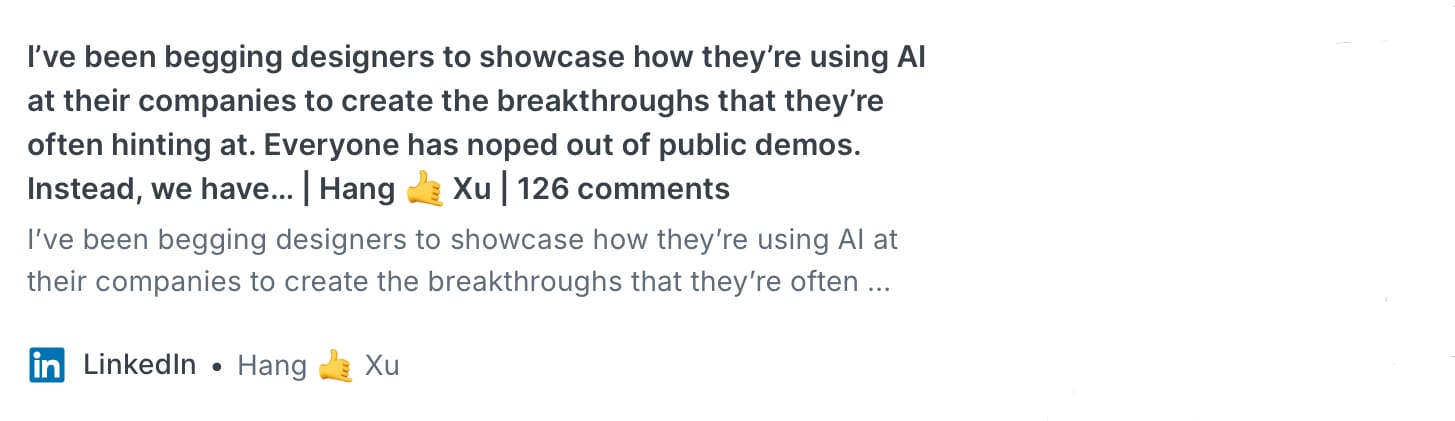
Hang Xu has seen what I’ve noticed as well—many AI design posts about the amazing productivity by using genAI tools to build screens but without demos. I‘ve reached out to a few to ask for them, but no response.
Hang writes:
If your AI designers are actually design engineers then what’s the point? The whole promise of AI isn’t to speed things up by 15% cause the designer is now working 25% longer days. Show me the 10x designers. I’ll even take 2x or 3x
True, there are a flood of new design tools, AI connectors, and buzz over creating screen designs and flows by writing prompts and ensuring one has all the right information in the PRD they load into AI.
That’s Product Requirement Document, which was a new term for me. It’s new because I’ve never used one in 30 years. The design process is far more nuanced and always changes more than one document can contain.
I mention this because there’s so much pressure to incorporate AI into the design process, there’s little demonstration of how to become a better designer by strengthening the skills beyond the tools. Only when you start listening to the needs of stakeholders, users, and engineers can you truly make design decisions which deliver tangible value.
If you want to level up your product design decision making, keep following and participating in what I’m doing at Designy. Look for a new course at the end of this article.
So, I made a product design genAI demo
Not satisfied with depth—or existence—of genAI demos along these lines, I made one.
Not that there aren’t countless videos on genAI design features out there, there is little talk about how to leverage these features into the real-world product design process.
The demo is less about the specific tool, in this case Pencil. Rather, I wanted to see if a generated design could demonstrate it solved an actual user need, and how would a designer be accountable to the stakeholder for the results.
Check out the video and leave a comment about your experience.
GPTZero now tags AI posts right in LinkedIn
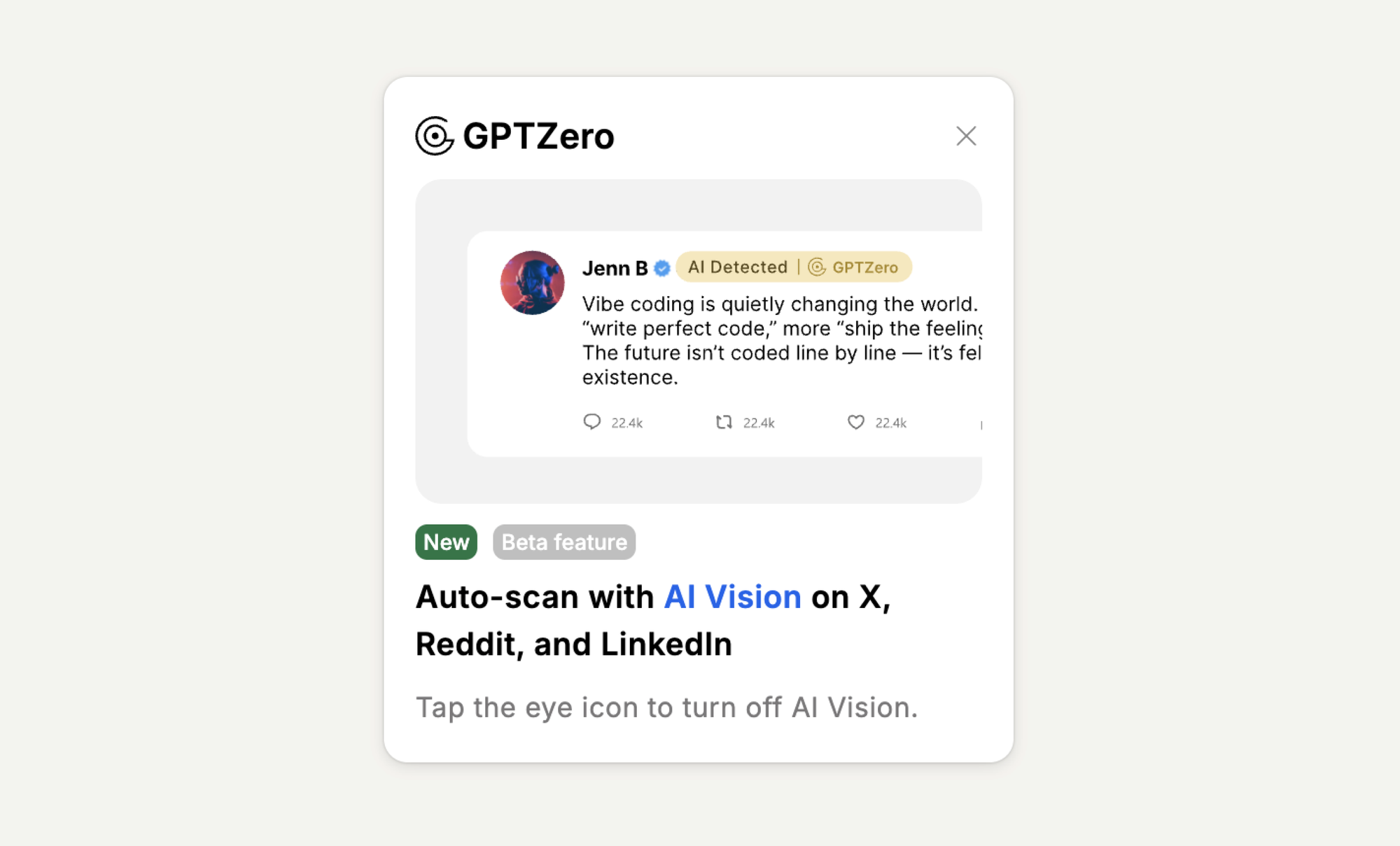
As I mentioned in Designy Digest 002, there is a tool you can use to detect AI generated content called GPTZero.
This week, they released a feature that adds a badge directly to posts on X, Reddit, and LinkedIn. You’ll see either an AI Detected or Human label when there is high confidence of either.
Why is this important?
With all the flurry about genAI in the product design space, it’s not worth your time to read generated content, let alone responding to those posts with your thoughtful comments. Who are you talking to?
I received a question on this concerned it might be wrong since it’s AI:
Even if it is right sometimes, how often are you okay with being wrong? If 1 in 10 times someone gets accused of writing with AI falsely when really that is just their tone of writing, is that acceptable? 1 in 100?
I agree, AI makes mistakes, but consider the use case here.
The intent isn't about pointing out gotchas, but more thinking about what we are consuming, especially on social platforms. If it were only poor writing that sounded catch-phrasey that's one thing.
However, there are so many more posts now which are machine-generated and yet they are presented by people as if it were their own thoughts. This goes beyond the 1–10% error rate. Plus, it’s problematic for relationship building since it’s the AI that said it.
Let’s Build relationships, not generate them.
Here's a funny story, I ran some of my old business writings through it and it came back with some AI detection. This was before AI. What that told me wasn't that the detector was wrong, but that I was sounding like a mechanical AI model and not like a person in a normal conversation!
You can check out GPTZero with this link and get an additional 10,000 credits when you sign up for a free account.
A New Designy Academy Course!
AI will speed up anything—garbage in, garbage out. Before you think about designing a screen, you have to know what you're designing.
Stakeholders are notorious for not speaking design in the way we’d like to understand them. So, it’s no surprise that a majority of the requirements we hear are vague.
If you are the designer getting vague requirements, you’re in a perfect position to demonstrate leadership and make them clear.
This is a short course—you can probably do it in half your lunch break. Yet, you can probably try out the technique in a meeting or two during the second half of your day.
How to Make Vague Requirements Clear
Do you find yourself facing unclear requirements from stakeholders? This quick course will give you a practical three-step approach to get clarity before you begin designing.
Thanks for reading, and have a great week of design!